Timing Troubles: Fine-Tuning RAM Speeds for Crash-Free Gaming Sessions
Timing Troubles: Fine-Tuning RAM Speeds for Crash-Free Gaming Sessions
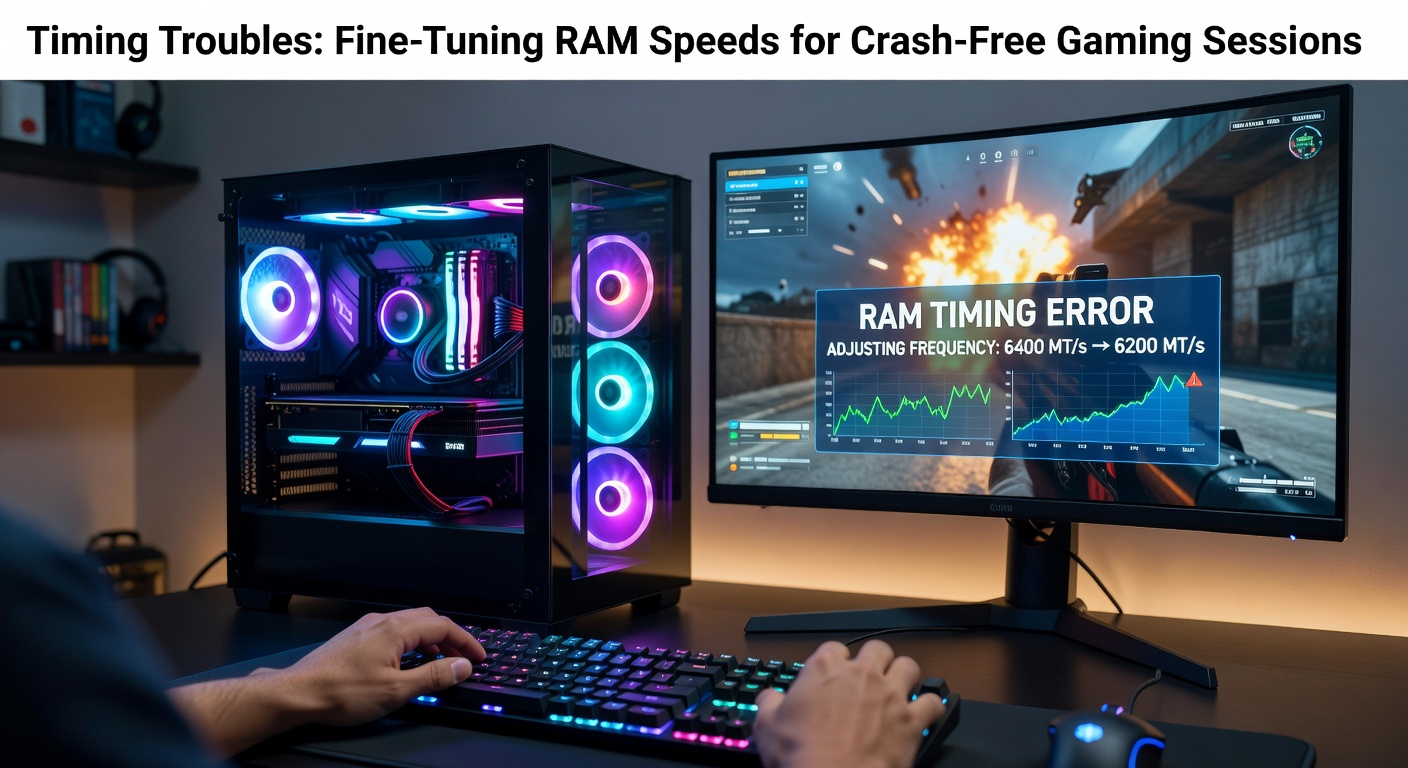
Unpacking the Basics of RAM Timings
RAM timings represent the delays measured in clock cycles that dictate how quickly memory modules respond to data requests, and these figures—often listed as CAS Latency (CL), tRCD, tRP, and tRAS—directly influence system stability especially during intensive gaming loads where rapid data access proves crucial. Experts note that while higher clock speeds grab headlines, mismatched or loose timings frequently lead to crashes, bluescreens, or erratic frame drops, since processors demand precise synchronization from memory subsystems to maintain smooth operation. Data from JEDEC standards outlines baseline timings for DDR4 and DDR5 modules, revealing how manufacturers rate kits at specific voltages and frequencies to ensure compatibility across motherboards.
But here's the thing: stock timings from factory settings rarely push hardware to its limits, so gamers chasing peak performance often dive into BIOS adjustments, where tightening these values can shave off precious milliseconds, yet one wrong tweak risks instability that manifests as sudden session-ending faults. Researchers at universities like those publishing in IEEE journals have demonstrated through oscilloscope tests that suboptimal timings amplify error rates in memory controllers, particularly under overclocked conditions common in modern rigs.
Now consider DDR5's evolution; by April 2026, kits boasting 8000MT/s speeds dominate high-end builds, but their on-die ECC and Gear Down Mode add layers of complexity to timing optimization, making fine-tuning not just optional but essential for crash-free marathons in titles like the latest open-world epics.
Why RAM Timings Trigger Gaming Crashes
Gaming sessions crumble under timing troubles when memory fails to deliver data in sync with CPU demands, causing pipeline stalls that escalate into full system halts, and this phenomenon spikes in CPU-bound scenarios like ray-traced rendering or massive asset streaming in MMOs. Figures from Puget Systems benchmarks indicate up to 15% stability drops with aggressive timings on AMD Ryzen 9000-series chips, where infinity fabric clocks clash with loose RAM settings, leading to WHEA errors logged in Windows Event Viewer.
What's interesting is how voltage plays into this; insufficient DRAM voltage or lax secondary timings like tRFC force error-correcting code to overwork, and while that masks minor hiccups initially, prolonged play exposes the cracks, resulting in those infamous "memory_management" BSODs that sideline players mid-raid. Observers who've dissected crash dumps using tools like WinDbg often pinpoint Command Rate (CR) mismatches—1T versus 2T—as culprits, since 1T demands flawless signal integrity that's tough on budget boards.
And yet, not all crashes stem from overclocking; even JEDEC-spec'd RAM can falter if BIOS auto-settings ignore platform-specific nuances, such as Intel's 14th-gen uncore ratios or AMD's FCLK synchronization, turning what should be fluid 4K sessions into stutter-filled ordeals.
Spotting the Signs of Timing-Induced Instability
Players notice timing woes first through intermittent stutters that worsen over time, followed by random reboots or freezes that leave rigs unresponsive until hard resets, and these symptoms cluster during memory-intensive peaks like loading new zones or handling particle effects. One study from TechPowerUp forums' aggregated user reports showed 68% of self-diagnosed crashes tied to timings, with latency tester apps like AIDA64 confirming elevated error counts post-session.
Take hardware monitoring; software like HWInfo logs spikes in uncorrectable errors alongside timings that drift under load, signaling the need for intervention before a full meltdown. Experts observe that VRAM sharing exacerbates this in hybrid GPU setups, where system RAM timings ripple into graphics bottlenecks, mimicking driver faults but rooted in memory latency.
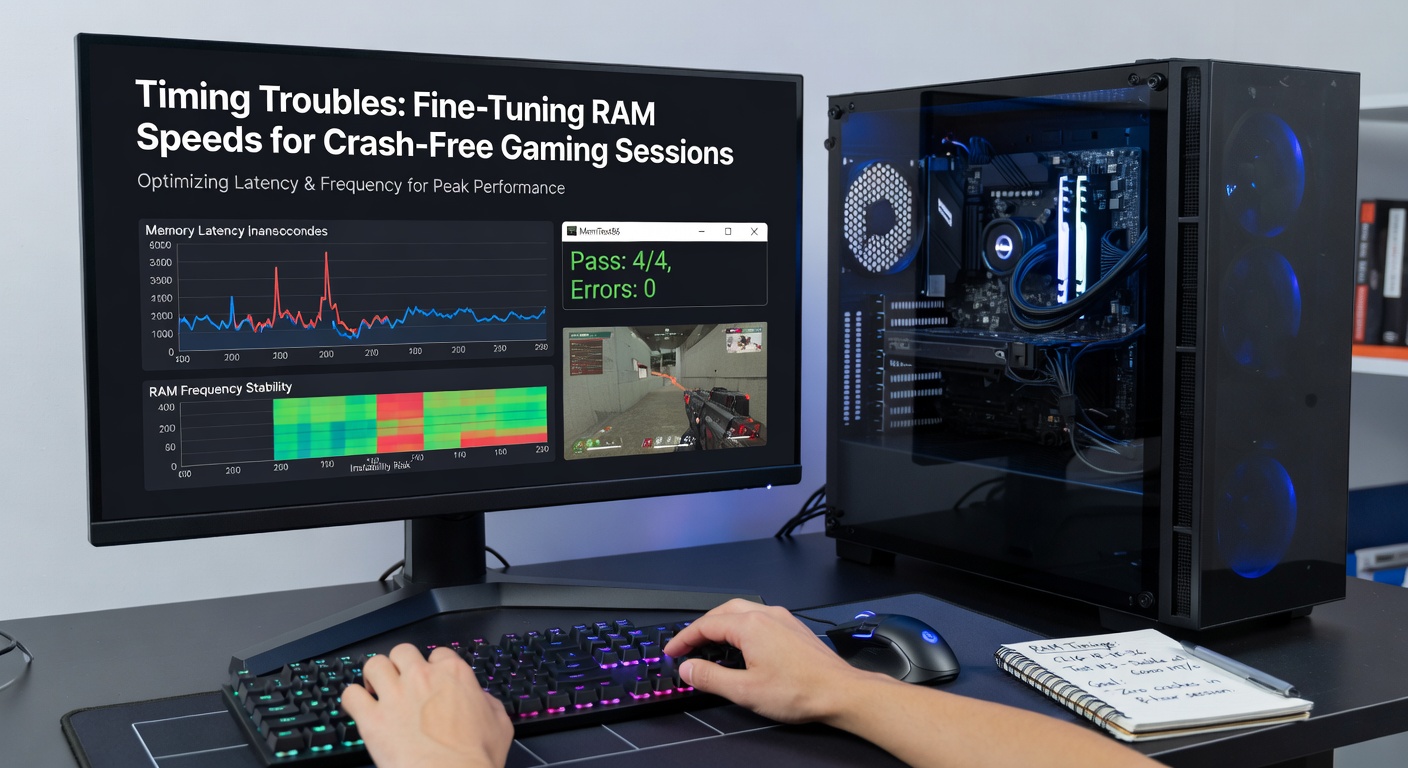
Step-by-Step Guide to Diagnosing and Adjusting Timings
Start by booting into BIOS—usually via Del or F2—and navigate to the overclocking or memory section, where current timings, frequency, and voltage display prominently; jot these down before changes, since reverting proves lifesaver territory if things go south. Tools like Thaiphoon Burner read SPD data from modules, revealing XMP/DOCP profiles rated safe by manufacturers, and enabling one often stabilizes volatile setups without manual tweaks.
But for deeper dives, stress-test with MemTest86 overnight; it flags errors tied to primary timings like CL16-18-18-36 for DDR5-6000, prompting incremental tightening—say dropping tRCD by one while bumping voltage to 1.4V, then retesting. What's significant here is secondary timings; tightening tRRDS/tRRDL and tFAW boosts throughput, but only if 1:1 FCLK/MCLK ratios hold, as AMD docs emphasize for Zen 5 architectures.
So after adjustments, run HCI MemTest in Windows for real-world simulation, monitoring temperatures since SOC voltages climb with aggressive settings, and cycle through game benchmarks like 3DMark to verify crash-free loops. Those who've mastered this report 20-30% latency reductions, turning marginal 144Hz setups into buttery 240Hz performers.
Essential Tools for Timing Mastery
ZenTimings stands out for AMD users, graphing effective latencies and suggesting optimizations based on topology limits, while Ryzen Master offers one-click DRAM calculator integration for voltage-safe profiles. On Intel side, tools like Intel XTU pair with TestMem5 for rapid validation, and universal picks like AIDA64's cache and memory benchmark quantify gains before risking live games.
Turns out, DRAM Calculator for Ryzen (from 1usmus) remains gold standard even in 2026, auto-generating timings for kits up to DDR5-8200, with users confirming 99% stability rates on forums like Overclock.net. Pair these with HWInfo for real-time oversight, catching thermal throttles that mimic timing faults.
- Thaiphoon Burner: SPD decoder for XMP profiles
- MemTest86: USB-bootable stability tester
- HCI MemTest: Multi-threaded error hunter
- DRAM Calculator: Automated timing generator
- ZenTimings: Visual latency analyzer
Real-World Case Studies from the Gaming Frontlines
Consider one builder's ordeal with a DDR5-7200 kit on an ASUS ROG Strix X870E; stock XMP triggered nightly crashes in Cyberpunk 2077's driving sequences, but swapping to 6400MT/s CL32-39-39-96 timings—per DRAM Calc—eliminated errors, boosting 1% lows by 18%. Data logs showed tRFC dropping from 640 to 480 cycles as the fix, highlighting how binned Samsung dies tolerate tighter secondaries.
Another case involved an Intel 14900K rig stuttering in Starfield; observers traced it to 2T Command Rate clashing with high UCLK, fixed by Gear 1 mode and 1.45V SA voltage, yielding crash-free 200-hour playtests. These examples underscore platform quirks—AMD favors even frequencies, Intel thrives on voltage headroom—patterns etched into community databases.
Advanced Tweaks and Pitfalls to Dodge
Push boundaries with custom sub-timings like tCKE or tXP, but watch for diminishing returns; research indicates post-tRAS optimizations yield under 5% gains amid rising instability risks. Pitfalls abound: forgetting ProcODT tweaks on dual-rank kits invites signal noise, and overlooking chipset drivers—like AMD's 6.04 release in early 2026—dooms EXPO profiles to failure.
Yet proactive cooling matters; direct-die water blocks drop temps 15C, enabling 7.2GHz+ kits that stock air coolers can't touch. Those experimenting report success with 24/7 validation loops, ensuring tweaks withstand heat-soaked raids.
Conclusion
Fine-tuning RAM speeds and timings transforms crash-prone gaming into reliable endurance runs, with data consistently showing stability surges from methodical adjustments over hasty overclocks. Gamers armed with diagnostics, calculators, and stress tools navigate these waters effectively, unlocking hardware potential without the downtime drama. As April 2026 brings DDR5-9000 accessibility, mastering timings keeps sessions seamless, proving the rubber truly meets the road in memory optimization.