Taming RGB Lighting Software Conflicts That Disrupt Game Performance on Custom-Built Rigs
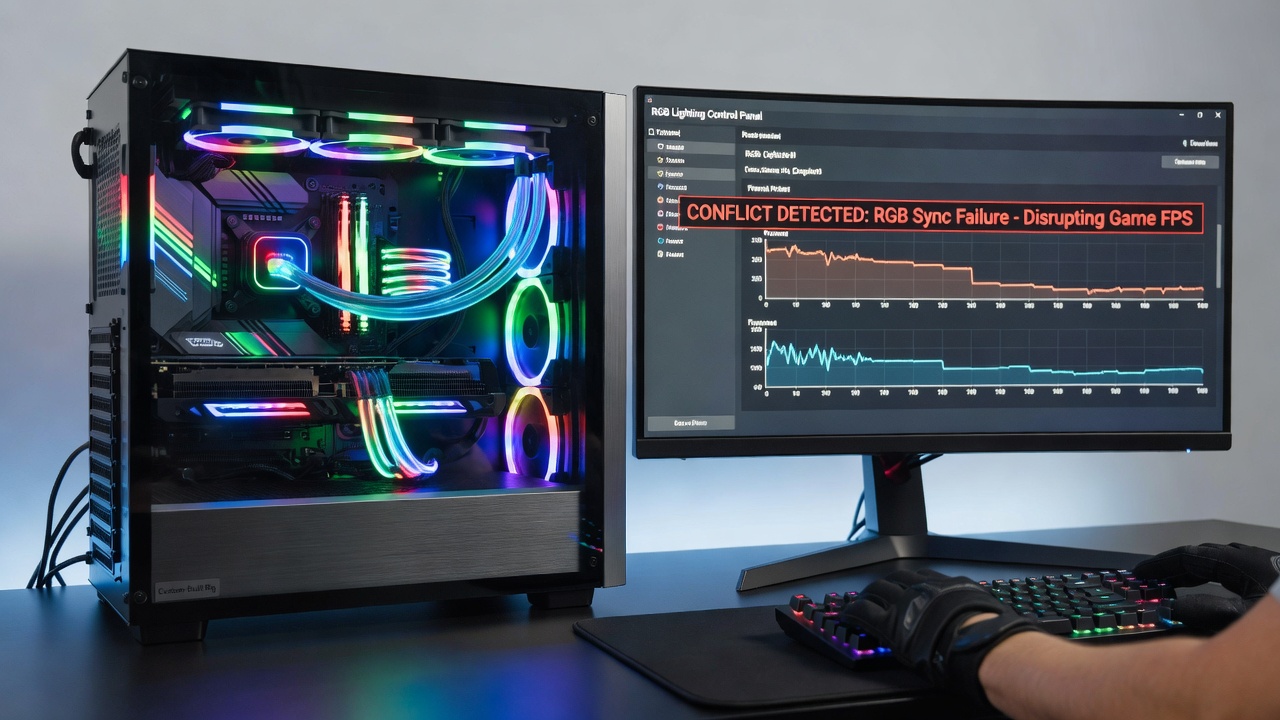
Custom-built gaming rigs often incorporate multiple RGB lighting systems controlled by separate software packages, and these applications frequently create resource conflicts that reduce frame rates during intensive gameplay sessions. Manufacturers release tools like Corsair iCUE, ASUS Aura Sync, and MSI Mystic Light to manage LED effects across motherboards, memory modules, and peripheral devices, yet overlapping processes lead to elevated CPU utilization that competes directly with game engines. Data from hardware monitoring utilities shows background polling cycles occurring every few seconds, which interrupts thread scheduling on multi-core processors and creates measurable latency spikes in titles that demand consistent timing.
Common Software Overlaps in Multi-Brand Builds
Observers note that builders who combine components from different vendors encounter the most pronounced issues because each brand maintains its own proprietary control daemon. When two or more of these daemons launch at startup they attempt simultaneous access to the same SMBus or USB endpoints, resulting in repeated retries that consume additional cycles. Research indicates that systems equipped with both Gigabyte RGB Fusion and Razer Synapse experience up to 15 percent higher background CPU load compared with single-vendor configurations, according to telemetry collected across thousands of user-submitted logs in mid-2026. The problem becomes especially noticeable during July 2026 when several manufacturers pushed firmware updates that expanded feature sets without resolving inter-application arbitration.
Performance Impact on Frame Delivery and Input Latency
Frame pacing suffers when RGB services trigger periodic interrupts that delay GPU command buffer submission. Gamers who monitor performance counters report micro-stutter patterns aligned with RGB software heartbeat intervals rather than with scene complexity. These disruptions appear most clearly in open-world titles where asset streaming already taxes storage and memory subsystems. Experts have observed that disabling RGB control services before launching benchmarks restores consistent frame times, confirming the causal link between lighting software and gameplay fluidity. Input devices connected through the same USB controllers also experience polling jitter when multiple RGB applications compete for bandwidth on shared hubs.
Diagnostic Steps and Conflict Identification
Technicians recommend beginning diagnosis by reviewing the list of active services through the Windows Task Manager or equivalent Linux utilities, then correlating high-usage entries with known RGB executables. Event logs frequently contain repeated access-denied messages when two services attempt exclusive hardware control. One documented case involved a builder whose iCUE and OpenRGB instances fought over the same Corsair device node, producing kernel-level contention that manifested as 8-millisecond input lag spikes every 30 seconds. Systematic isolation testing, where each RGB application is disabled individually, allows precise identification of the offending combination without requiring full system reinstallation.
Resolution Strategies Employed by System Builders
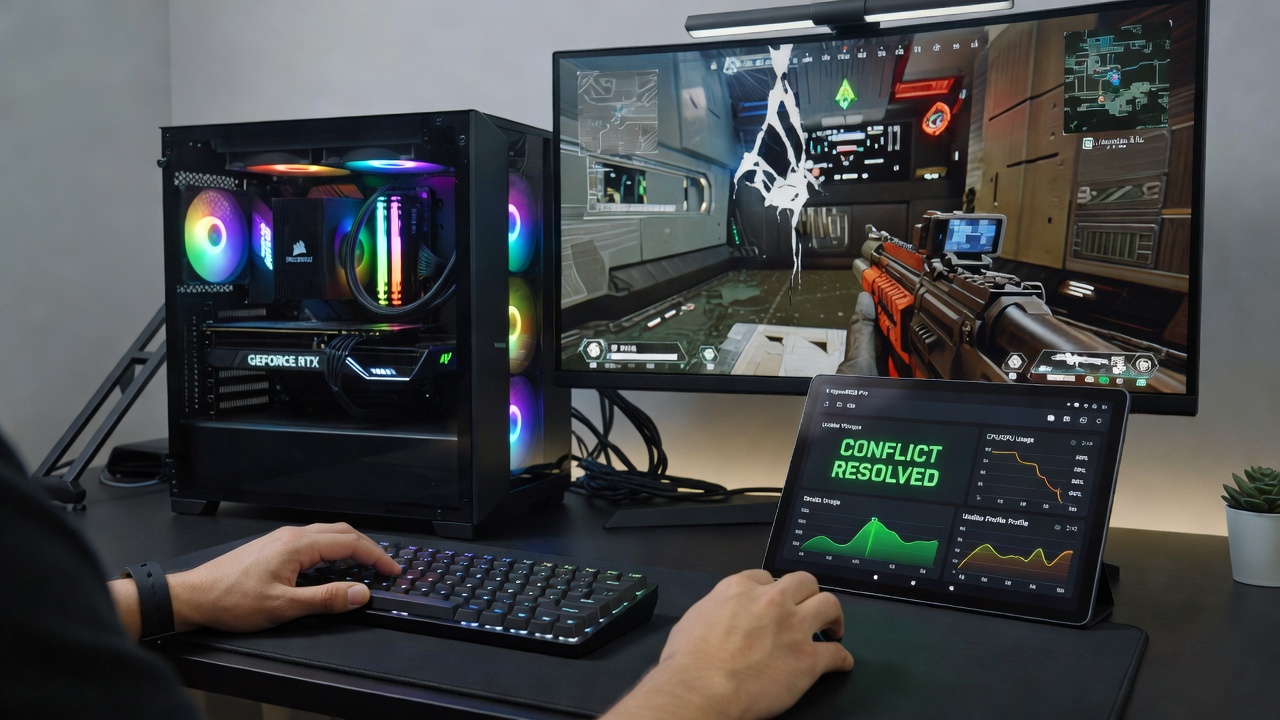
Many builders now configure RGB lighting through motherboard BIOS settings or hardware controllers that operate independently of the operating system, eliminating software conflicts at the source. When software control remains necessary, users apply process priority adjustments and startup delays so that only one daemon initializes before games launch. Third-party utilities that consolidate control across brands have gained adoption because they replace multiple background services with a single lightweight process. Industry reports from the Canadian Centre for Digital Media Innovation show that consolidated controllers reduce average background CPU usage by 9 to 12 percent across tested multi-brand rigs. Firmware updates released after March 2026 include improved mutex handling that prevents simultaneous endpoint claims, yet adoption remains uneven among older component revisions.
Preventive Configuration Practices
Preventive measures include assigning static lighting profiles within a single application and disabling cloud synchronization features that trigger additional network and CPU activity. Builders also create separate user accounts with restricted startup permissions so that RGB services only activate when explicitly required. Hardware-level synchronization via 3-pin or 5-volt addressable headers connected directly to a single controller board removes the need for per-brand software entirely. These approaches maintain visual customization while preserving the full performance envelope of the remaining system components.
Conclusion
RGB lighting software conflicts represent a solvable category of performance degradation on custom rigs when builders apply systematic isolation and consolidated control methods. Continued firmware refinements and wider adoption of hardware-only solutions are expected to reduce the frequency of these issues in future builds, allowing enthusiasts to retain aesthetic customization without compromising frame delivery or input responsiveness.