Sorting Out Corrupted Game Files After Incomplete Downloads from Digital Distribution Platforms
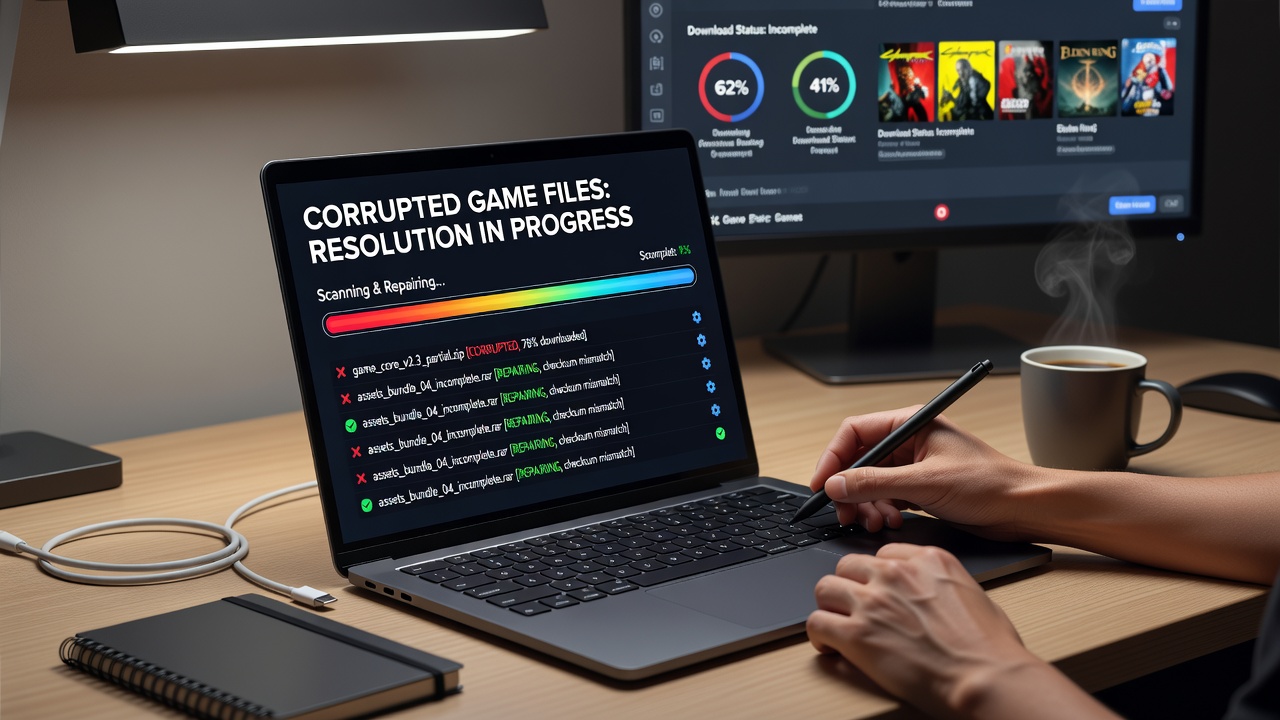
Digital distribution platforms deliver games through large file packages that travel across networks where interruptions create corrupted segments, and users encounter these problems when connections drop midway through transfers or when servers throttle bandwidth unexpectedly. Research from the International Game Developers Association indicates that incomplete downloads account for a measurable portion of installation failures reported each month, while data from the Australian Competition and Consumer Commission shows similar patterns in consumer complaints about digital purchases across multiple regions. Those who study download behavior note that file corruption often surfaces as missing textures, audio dropouts, or sudden crashes once the game attempts to launch.
Common Causes Behind File Corruption
Network instability remains the leading trigger, since packet loss during large transfers leaves gaps in downloaded archives that platforms cannot always detect automatically. Storage devices with insufficient free space force partial writes that fragment critical data blocks, and antivirus programs sometimes quarantine pieces mid-download without notifying the user. In July 2026 several major platforms rolled out updated client versions that improved resume functionality, yet observers still report residual issues when users switch networks or experience power fluctuations during active transfers. Platform-side errors, such as mismatched checksums on server mirrors, compound the problem and leave users with files that pass initial checks but fail deeper integrity tests later.
Recognizing the Signs of Corruption
Players typically notice problems when games refuse to start or display error codes that reference missing assets or checksum mismatches. Performance anomalies appear as well, including stuttering during loading screens or visual glitches that persist after driver updates. Data collected by the European Digital Games Research Network reveals that corrupted files frequently manifest in titles exceeding 50 gigabytes, where even small missing segments disrupt large world files. Users who monitor system logs often find repeated entries about failed decompression attempts or read errors on specific directories, and these patterns help isolate the issue before more extensive troubleshooting begins.
Platform Tools for Verification and Repair
Most services embed built-in verification functions that compare local files against server records and replace only the damaged portions. Steam users access this feature through the game properties menu, where the client scans and redownloads affected packages without requiring a full reinstall. Epic Games Launcher and GOG Galaxy provide comparable options that run similar checksum comparisons, while Microsoft Store applications rely on the Windows Apps troubleshooter combined with command-line repair commands. According to figures released by the Consumer Technology Association, these automated tools resolve the majority of corruption cases without manual intervention, although success rates drop when underlying network conditions remain unstable.
Manual Steps When Automated Fixes Fall Short
When verification tools report no errors yet problems persist, users delete the affected game folder and initiate a fresh download from the platform library. This approach clears residual corrupted segments that verification routines sometimes overlook. Command-line utilities such as those available in Windows PowerShell allow targeted removal of specific files followed by forced re-verification, and similar terminal commands exist for macOS and Linux distributions. Observers note that maintaining at least 20 percent additional free space on the target drive during redownloads reduces the chance of new interruptions. External download managers with pause-and-resume capabilities sometimes help when the native client struggles with unstable connections, provided they integrate with the platform's authentication system.

Advanced Troubleshooting Techniques
Users facing repeated failures examine router logs for packet loss patterns or test alternative DNS servers that improve route stability to distribution servers. Running disk surface scans identifies bad sectors that silently corrupt incoming data, and replacing aging hard drives with solid-state models often eliminates recurring issues. Researchers at the University of Waterloo have documented how certain RAID configurations introduce latency spikes that coincide with large file writes, leading to incomplete segments. Those who apply firmware updates to network adapters and storage controllers report fewer interruptions, while monitoring tools that track download speeds help pinpoint moments when connections become unreliable.
Prevention Strategies That Reduce Recurrence
Stable wired connections outperform wireless links during large transfers, and scheduling downloads during off-peak hours lowers the probability of server-side throttling. Enabling automatic resume features within each platform client allows interrupted sessions to continue without starting over, and maintaining updated platform software incorporates the latest error-handling improvements. Data from the Canadian Interactive Digital Entertainment Association indicates that users who allocate dedicated download folders on high-capacity drives experience fewer integrity problems than those who store games alongside operating system files. Regular verification of recently installed titles catches corruption early, before it affects gameplay sessions.
Conclusion
Addressing corrupted game files requires a methodical sequence that begins with platform verification tools and progresses to manual redownloads or hardware checks when necessary. Platforms continue to refine their delivery systems, yet network variability and storage conditions still produce incomplete transfers that demand user intervention. Consistent application of verification routines combined with attention to connection quality and drive health keeps installations intact across repeated updates and expansions.