Resolving Firmware Desync Issues Between NVMe Drives and Motherboards That Manifest as Intermittent Game Asset Streaming Failures
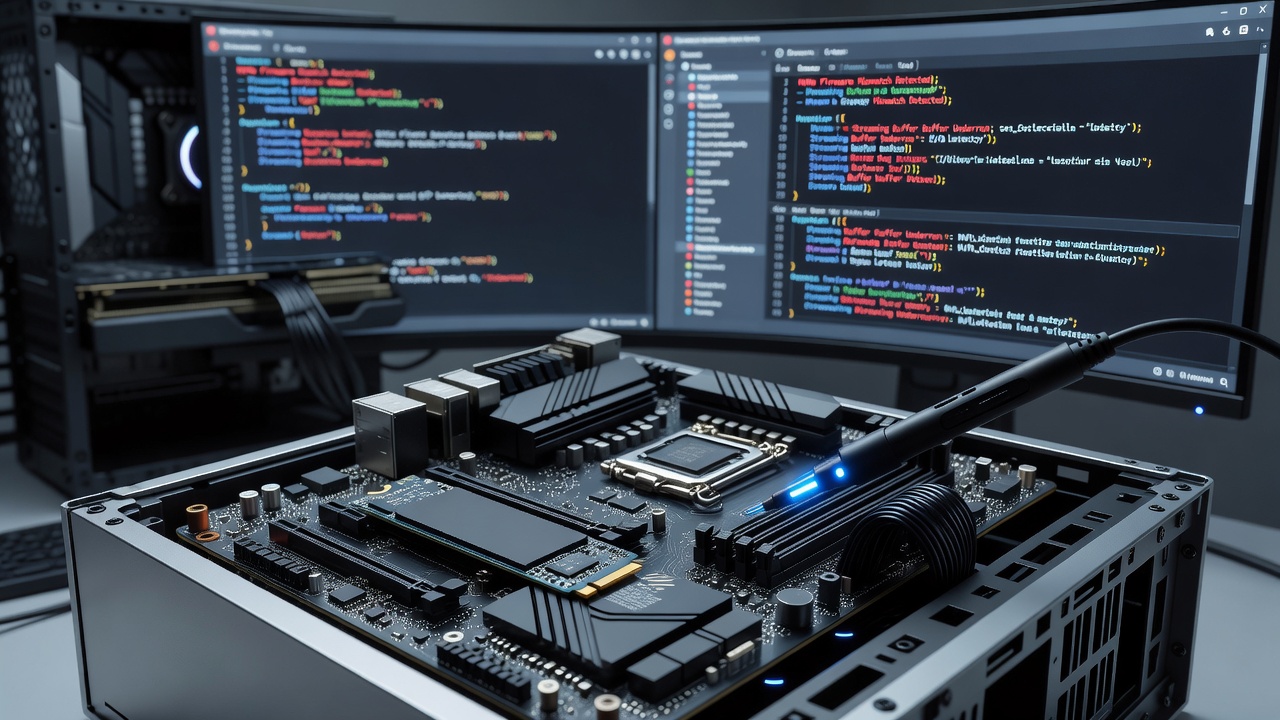
Game asset streaming failures often trace back to firmware desync between NVMe drives and motherboard controllers, where version mismatches disrupt data handshakes during high-demand loads in open-world titles, and observers note these problems have appeared more frequently in systems updated through early 2026 as new drive firmware rolled out without matching BIOS revisions.
Research from storage standards groups indicates that NVMe protocol timing relies on precise alignment between drive firmware and the host controller firmware, while desync occurs when one side applies updates that alter command queuing or power state transitions without the other side reflecting those changes, which leads to dropped packets during asset streaming sequences.
Recognizing the Symptoms in Gaming Environments
Players encounter sudden texture pop-in or stalled asset loads that resolve temporarily after restarts yet recur under sustained play sessions, and data from hardware monitoring communities shows these interruptions cluster around transitions between map zones or during rapid camera movements that trigger large texture streaming requests.
System logs typically reveal NVMe command timeouts paired with PCIe link retraining events, whereas motherboard event viewers record controller resets that coincide exactly with the streaming hiccups, allowing technicians to isolate the issue from network latency or GPU memory problems.
Root Causes Behind Firmware Desynchronization
Manufacturers release firmware updates independently, so an NVMe drive might adopt new queue depth handling in a June 2026 patch while the motherboard BIOS still operates under older interrupt routing logic, and this mismatch surfaces most clearly in PCIe 4.0 or 5.0 configurations where timing tolerances are tighter than previous generations.
Power management features exacerbate the situation because modern NVMe drives support aggressive autonomous power state transitions that motherboards may not fully accommodate if their chipset drivers lag behind, resulting in brief desync windows that interrupt sequential read streams required for game asset delivery.
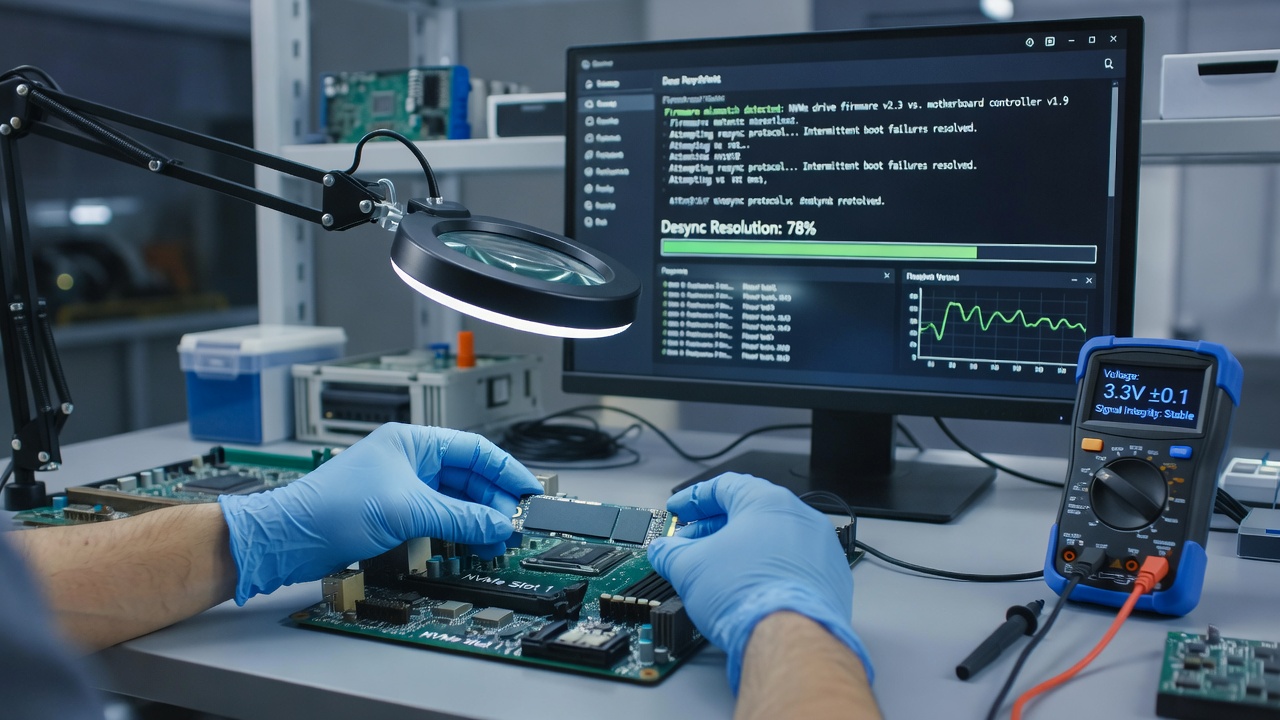
Diagnostic Approaches Used by Technicians
Professionals begin by cross-referencing firmware revisions through vendor utilities and BIOS setup screens, comparing them against compatibility matrices published by drive makers, while hardware event logs help confirm whether command aborts align with power state changes or link speed negotiations.
Stress testing tools that simulate continuous large-file reads reveal the failure pattern quickly, and observers report that forcing the drive into a single power state during tests often eliminates the streaming interruptions, pointing directly at desync rather than hardware degradation.
Step-by-Step Resolution Procedures
Updating the motherboard BIOS to the latest revision that explicitly lists support for the installed NVMe firmware version resolves most cases, yet experts recommend applying the drive firmware update first so the controller can renegotiate link parameters correctly after the BIOS flash completes.
Disabling aggressive power saving features in both the drive utility and BIOS provides an immediate workaround while permanent fixes are validated, and clearing the CMOS after BIOS changes ensures residual settings do not interfere with the newly synchronized firmware states.
Those who maintain multiple NVMe drives in the same system often discover that mixing firmware generations across drives triggers similar issues on shared controller lanes, prompting them to standardize revisions across all units before retesting asset streaming performance.
Preventive Measures and Long-Term Stability
Regular checks against manufacturer compatibility lists prevent future desync events, while subscribing to BIOS and firmware notifications allows systems to stay aligned as updates appear, and industry reports from organizations tracking storage interoperability show that coordinated update schedules reduce these failures by measurable margins across gaming hardware fleets.
Documentation from the NVMe Express workgroup outlines recommended validation steps for host and device firmware pairs, giving builders a reference framework that accounts for regional regulatory testing differences seen in both North American and European certification processes.
Conclusion
Firmware desync between NVMe drives and motherboards produces predictable yet intermittent streaming failures that respond reliably to version alignment and power state tuning, and ongoing coordination between drive and motherboard manufacturers continues to narrow the window for such mismatches as standards evolve through 2026 and beyond.