Handling Bluetooth Signal Drops in Wireless Gaming Mice During Competitive Play
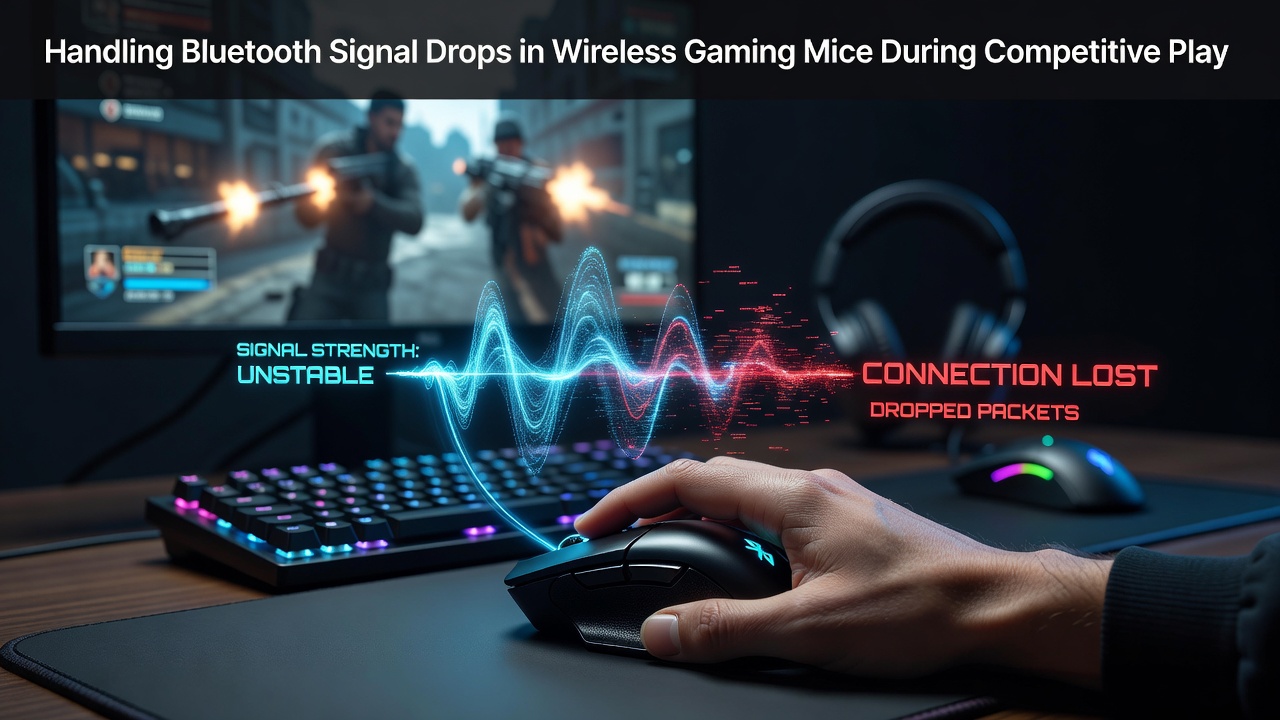
Understanding Signal Interruptions in Wireless Peripherals
Competitive players rely on consistent input from wireless gaming mice that use Bluetooth connections yet these devices encounter signal drops when environmental factors interfere with the 2.4 GHz frequency band, and data from industry reports shows such interruptions often occur during high-stakes matches where even brief losses translate to missed actions.
Bluetooth operates alongside numerous other wireless protocols in the same spectrum so nearby routers, smartphones, and smart home devices create overlapping transmissions that degrade the mouse signal while players remain focused on screen activity.
Primary Factors Contributing to Connection Instability
Physical distance between the mouse and its receiver plays a central role because Bluetooth range typically extends to 10 meters in open spaces although walls, desks, and other obstacles attenuate the signal strength leading to intermittent drops that become noticeable in fast-paced scenarios.
Battery voltage levels also influence performance since low power states in the mouse circuitry reduce transmission power to conserve energy and studies indicate that devices operating below 20 percent charge experience higher rates of packet loss during extended sessions.
Software conflicts arise when multiple Bluetooth devices pair simultaneously with the same host computer because the operating system scheduler prioritizes certain connections over others resulting in delayed acknowledgments for mouse data packets.
Interference Patterns Observed in Tournament Environments
Event venues hosting competitive play often feature dense networks of participant devices along with venue Wi-Fi systems that collectively saturate available channels and observers note that signal drops cluster around peak hours when hundreds of wireless peripherals operate in close proximity.
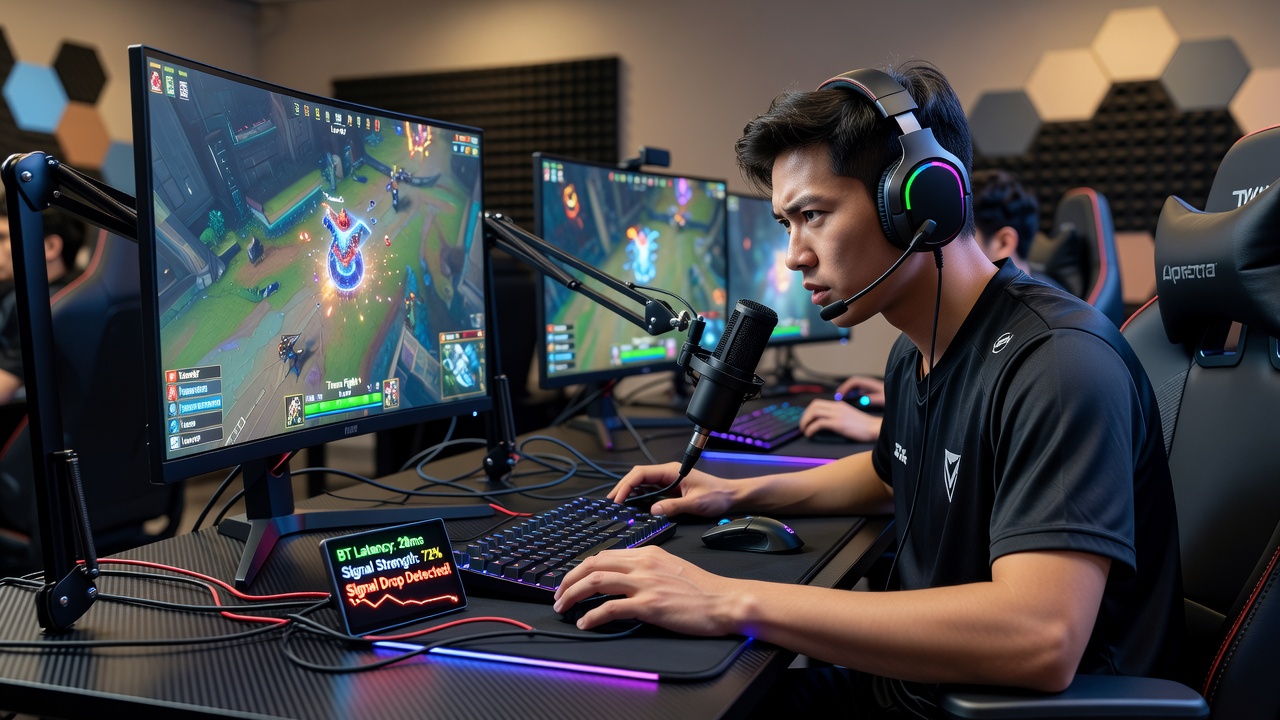
In July 2026 several major esports organizers implemented updated venue frequency management protocols that allocate dedicated spectrum segments for participant peripherals which reduced reported drop incidents according to post-event summaries released by tournament technical teams.
Electromagnetic noise from lighting rigs, power distribution units, and audience mobile devices adds another layer of disruption since these sources emit broadband interference that overlaps with Bluetooth advertising channels used for maintaining active links.
Diagnostic Steps for Identifying Root Causes
Users begin troubleshooting by monitoring connection logs through device manager utilities that record timestamped drop events allowing correlation with nearby device activity logs collected from the same computer.
Channel analysis tools scan the 2.4 GHz band to identify crowded frequencies and many gaming mice support channel hopping configurations that adapt automatically when persistent interference appears on the current link.
Testing the mouse at varying distances and orientations from the receiver reveals optimal placement zones where signal strength remains above the threshold required for reliable polling rates during rapid movements.
Practical Adjustments to Maintain Stable Links
Repositioning the Bluetooth receiver closer to the mouse playing area and away from metal desk frames or stacked electronics minimizes path loss while direct line-of-sight placement further improves packet delivery rates without requiring additional hardware.
Firmware updates for both the mouse and host Bluetooth adapter address known handshake issues that previous versions handled inefficiently and manufacturers distribute these patches through dedicated support portals that include release notes detailing stability improvements.
Switching to a wired fallback mode during critical moments provides an immediate alternative although many competitive setups favor wireless freedom so players configure hybrid profiles that maintain Bluetooth as primary with automatic failover when drops exceed set thresholds.
Power management settings in the operating system can be adjusted to prevent the Bluetooth radio from entering low-power sleep states during active gameplay sessions since such transitions introduce latency spikes that compound existing signal challenges.
Hardware and Software Configurations Backed by Testing Data
Research from the Federal Communications Commission on spectrum utilization demonstrates that dedicating specific channels for gaming peripherals reduces coexistence problems with consumer electronics operating in the same band.
Players sometimes pair their mice with external Bluetooth adapters that support newer protocol versions offering improved error correction and adaptive frequency hopping which maintain connections under conditions where built-in laptop radios struggle.
Application-level utilities monitor input latency in real time and flag anomalies that correlate with signal strength readings allowing users to correlate drops with specific environmental triggers before they occur during matches.
Conclusion
Effective management of Bluetooth signal drops in wireless gaming mice combines environmental awareness, timely firmware maintenance, and strategic receiver placement to sustain the precision required in competitive play and ongoing developments in wireless standards continue to expand options for minimizing these interruptions across diverse tournament settings.