Decoding System Log Patterns for Recurring Application Errors in Multi-Title Gaming Setups
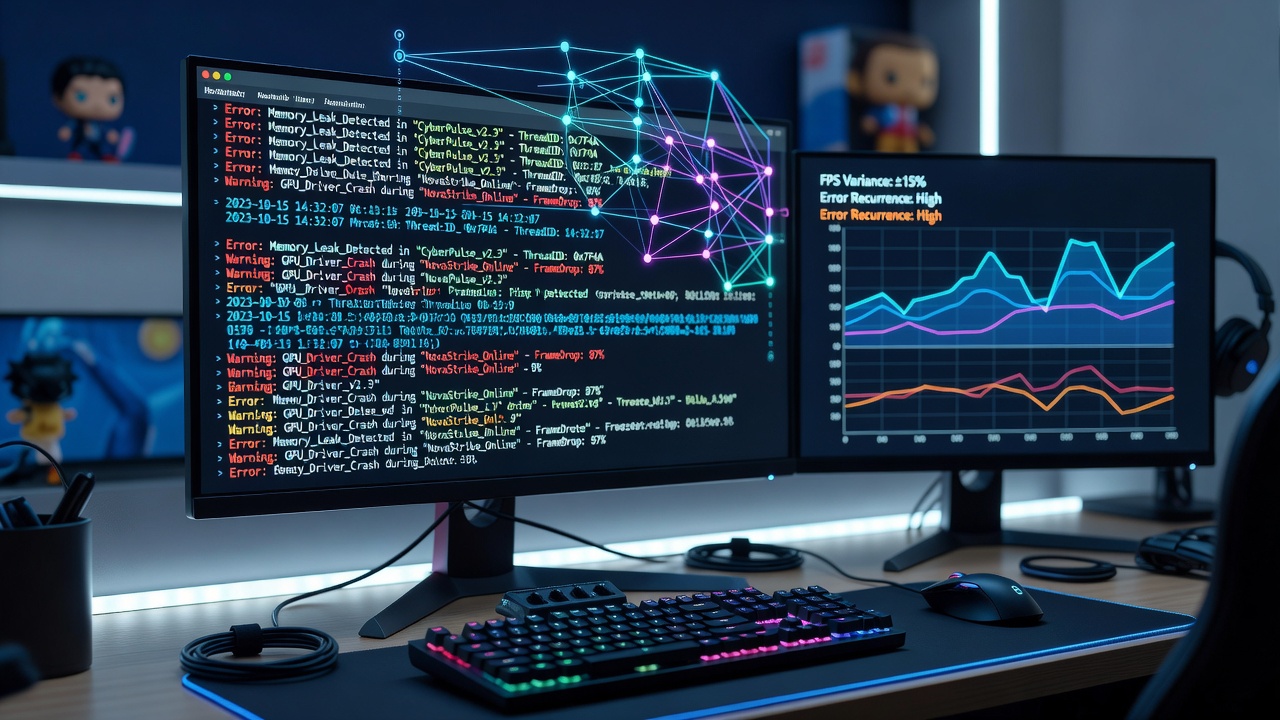 System administrators and IT professionals who manage gaming environments often encounter recurring application errors that span several titles at once, and these issues frequently leave traces in system logs that require careful interpretation. Researchers have documented how patterns emerge when users run games built on different engines, such as Unreal and Unity, within the same hardware configuration, because shared libraries and driver interactions produce consistent error signatures across sessions. Windows Event Viewer serves as a primary resource in these investigations, recording entries under Application and System channels that include error codes tied to DirectX failures or memory allocation problems. Observers note that timestamps in these logs often align with specific game launches, allowing technicians to correlate crashes in one title with similar disruptions in another without needing to reproduce every fault manually.
Identifying Common Log Signatures
Application errors in multi-title setups frequently manifest through repeated entries involving faulting modules like d3d11.dll or nvapi64.dll, and data from industry reports shows these modules appear across dozens of titles when graphics driver versions fall out of alignment with operating system updates. Those who examine logs systematically discover that error IDs such as 1000 and 1001 often cluster around periods of high GPU utilization, creating recognizable sequences that point to underlying resource conflicts rather than isolated game bugs.
Game-specific log files stored in directories like %LOCALAPPDATA% or Documents\My Games add another layer of detail, capturing stack traces that reveal where an application halted during rendering calls or network handshakes. Experts have observed that cross-referencing these files with Event Viewer entries helps isolate whether a recurring crash stems from a shared DirectX component or from title-specific asset loading routines that interact poorly with certain storage controllers.
Tools and Techniques for Pattern Extraction
Utilities such as Process Monitor and DebugView allow analysts to filter log data in real time, highlighting sequences where application errors repeat under similar load conditions across different executables. According to documentation from the National Institute of Standards and Technology, structured logging practices improve the detection of intermittent faults in complex software environments, and gaming setups benefit directly from these methods when multiple titles share the same runtime libraries.
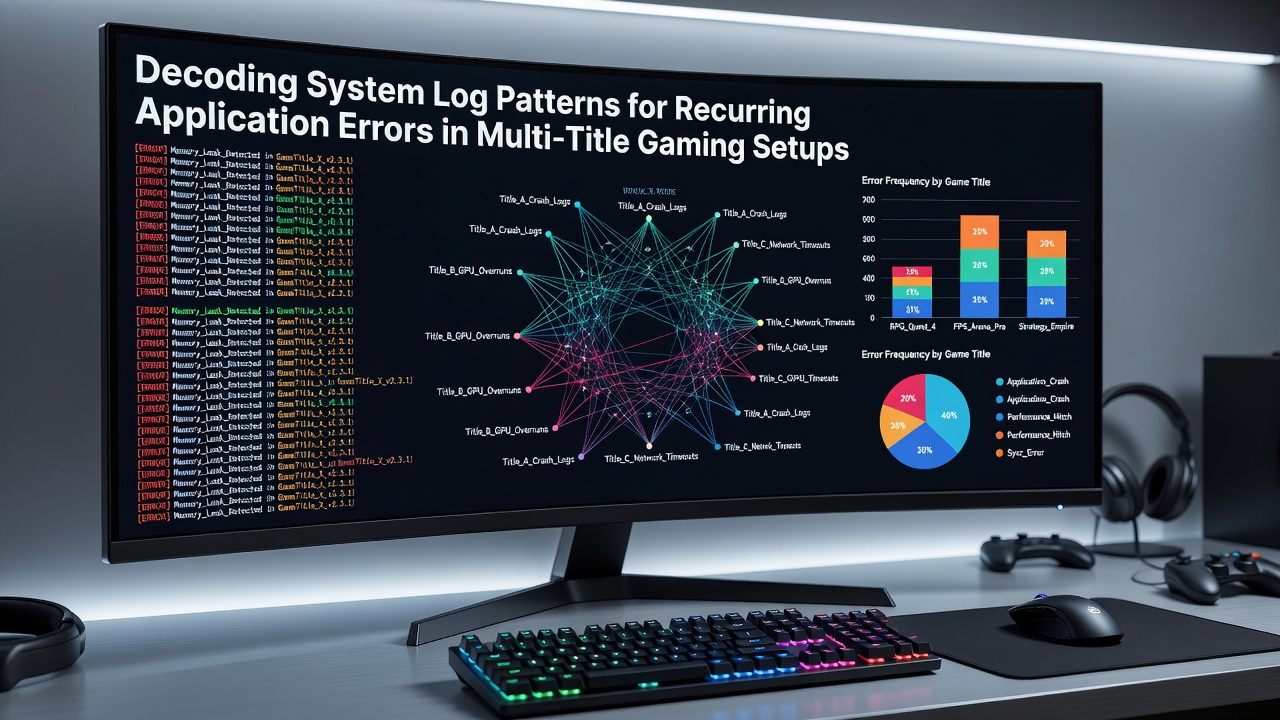
PowerShell scripts that parse Event Viewer exports have gained traction among support teams because they can flag recurring hexadecimal error codes and group them by process name, revealing clusters that single-title troubleshooting would miss. Figures from the Entertainment Software Association indicate that multi-platform development has increased the frequency of such shared-component issues since 2024, with June 2026 marking a notable uptick in reported cases following widespread adoption of new shader compilation pipelines.
Case Examples from Multi-Title Environments
One documented instance involved a user running both an open-world action title and a competitive shooter on the same rig, where logs repeatedly showed Event ID 41 kernel-power entries coinciding with application faults in each game. Further examination uncovered that the pattern traced back to an outdated chipset driver that failed to maintain stable PCIe link states during asset streaming, a problem that only surfaced when titles demanded simultaneous high-bandwidth operations.
Another situation arose in a setup managing five different simulation games, where system logs displayed consistent references to exception code 0xc0000005 across sessions, and investigators traced the recurrence to a memory management setting that interacted differently with each title's anti-cheat modules. Those who've studied these cases emphasize the value of maintaining baseline log captures before introducing new titles, which simplifies identification of deviations that signal emerging conflicts.
Preventive Measures Derived from Log Analysis
Regular review of reliability monitor data alongside Event Viewer entries helps organizations anticipate errors before they affect multiple titles simultaneously, and studies from European research institutions have shown that proactive driver validation reduces the incidence of cross-application faults by measurable margins. Technicians often schedule log audits after major operating system patches, because updates to components like the Windows Display Driver Model frequently alter error patterns in ways that become visible only after several titles have been tested.
Integration of automated log aggregation tools allows teams to build searchable databases of past incidents, making it possible to match new error signatures against historical records from diverse game engines. This approach proves especially useful in environments where users switch rapidly between titles, because the shared hardware and software stack produces predictable log footprints that experienced analysts can decode with increasing accuracy over time.
Conclusion
System log analysis provides a reliable framework for diagnosing recurring application errors that affect multiple gaming titles on the same hardware, and continued refinement of parsing techniques supports more efficient resolution across varied setups. As development practices evolve through 2026 and beyond, the ability to extract actionable patterns from these records remains central to maintaining stable multi-title environments.