Addressing Coil Whine in Graphics Hardware During High-Frame-Rate Rendering Tasks
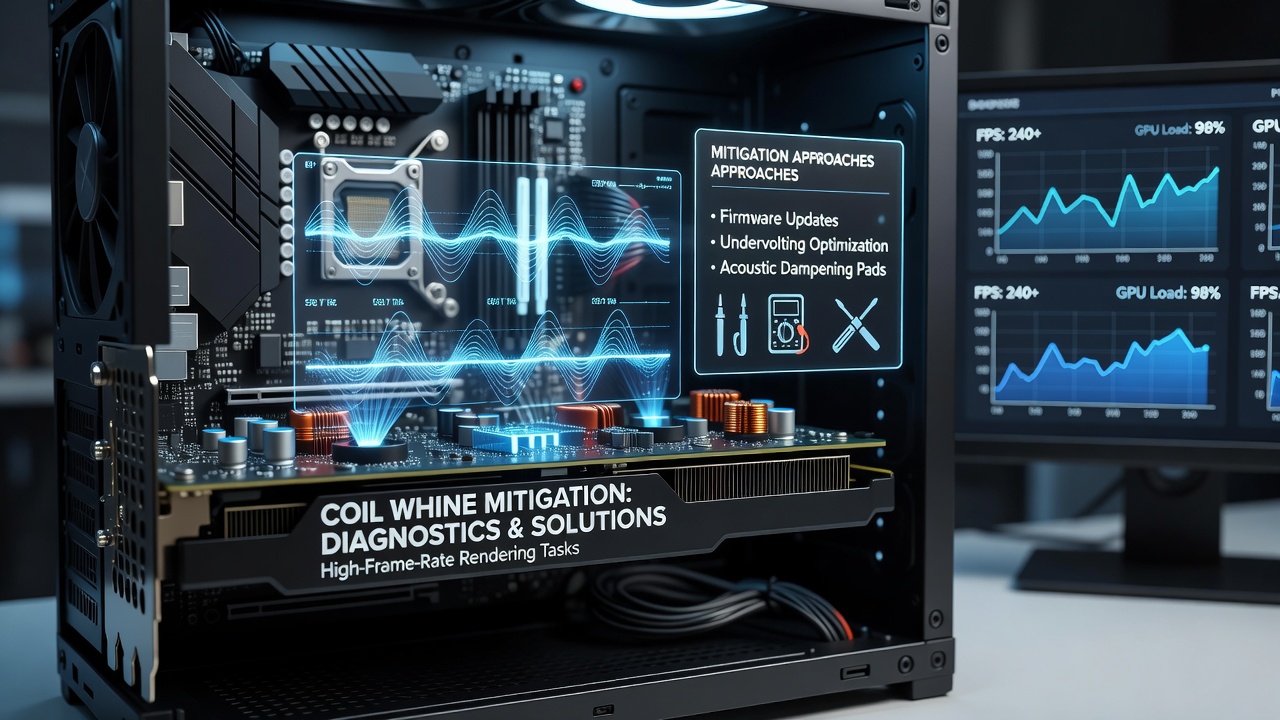
Graphics processing units often produce audible coil whine when pushed to deliver high frame rates in demanding rendering scenarios, and this electromagnetic phenomenon stems from vibrations in power delivery components such as inductors and capacitors. Observers note that the noise becomes pronounced as frame rates climb because rapid current fluctuations excite the coils at frequencies within human hearing range, typically between 1 kHz and 20 kHz. Data from hardware monitoring tools indicate that peak loads during 144 fps or higher gameplay sessions trigger these vibrations most consistently across multiple GPU architectures released in recent years.
Core Mechanisms Behind Coil Whine
Coil whine arises when alternating current passes through magnetic components at high speeds, causing physical oscillation that transmits sound through the card and surrounding case. Researchers at institutions focused on power electronics have documented how pulse-width modulation signals in voltage regulators intensify this effect during sustained high-frame-rate workloads, whereas lower frame rates produce steadier loads that keep whine below audible thresholds. Figures from industry tests reveal that modern graphics cards with multiple power phases experience teh issue more frequently because each phase switches independently under variable demand.
High-Frame-Rate Rendering Triggers
High-frame-rate rendering tasks push GPUs into repeated cycles of maximum power draw followed by brief reductions, and this pattern amplifies coil movement in the voltage regulation modules. Studies have shown that titles running uncapped at 240 fps or above generate the strongest whine signatures compared with v-sync limited sessions at 60 fps, since the hardware maintains elevated clock speeds and voltages without interruption. Those who monitor power consumption logs frequently observe spikes correlating directly with whine intensity, especially when ray tracing and high-resolution textures combine to stress memory controllers alongside core shaders.
Documented Mitigation Strategies
Users and engineers have applied several approaches to reduce or eliminate coil whine without sacrificing performance margins. Limiting power draw through driver-level controls or third-party utilities lowers the amplitude of current changes that excite coils, and reports indicate average noise reductions of 8 to 12 dB when power targets are set 10 to 15 percent below stock values. Undervolting the core voltage while maintaining high clocks produces similar benefits because lower voltage swings decrease magnetic stress inside inductors, though stability testing remains necessary across different silicon samples.
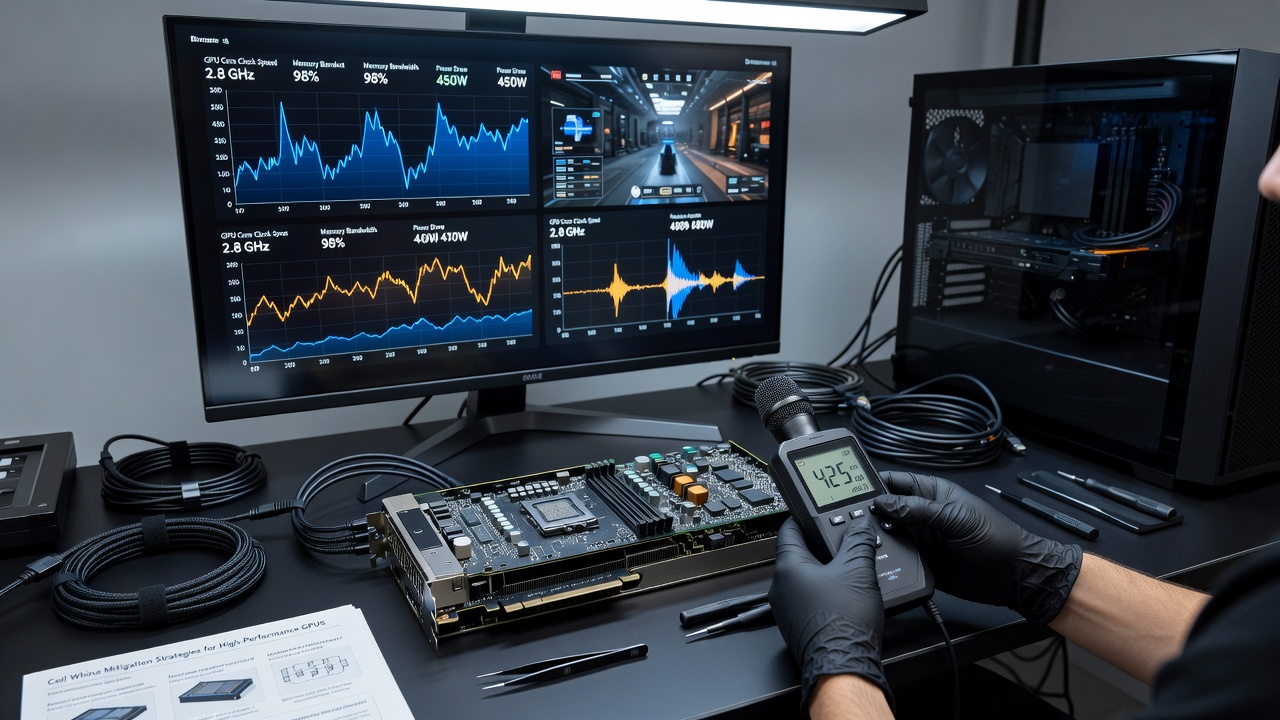
Physical interventions include adding foam padding or rubber grommets between the card and case mounts to interrupt vibration paths, and some builders install aftermarket backplates with additional mass to dampen resonance. Data collected from community hardware forums shows that these modifications yield measurable improvements when combined with fan curve adjustments that avoid resonant frequencies around 1,800 rpm. In June 2026, several board partners introduced revised inductor specifications on mid-range cards that lowered baseline whine levels by redesigning coil winding tension and core materials, according to specifications released by manufacturers.
Software and Firmware Adjustments
Driver updates from GPU vendors have incorporated refined power management algorithms that smooth voltage transitions during frame rate spikes, and benchmarks demonstrate reduced whine duration when these optimizations are active. Frame rate caps set just below the monitor refresh rate prevent unnecessary power cycling, while enabling features such as NVIDIA Reflex or AMD Anti-Lag can stabilize frame delivery without forcing constant maximum utilization. Those who examine registry or configuration files often locate hidden toggles that adjust PWM frequency ranges away from audible bands, although results vary by exact hardware revision.
Case and Cooling Considerations
Enclosure airflow patterns influence perceived coil whine because turbulent air can mask or amplify certain frequencies, and builders report that directing case fans away from the GPU shroud reduces secondary noise coupling. Larger heatsinks with thicker fins sometimes absorb vibrational energy before it radiates outward, and liquid cooling solutions eliminate fan noise that might otherwise interact with whine harmonics. Research conducted at the University of Melbourne on thermal and acoustic interactions in compact systems highlights how mounting orientation affects sound projection, with vertical GPU placements channeling whine toward the user more directly than horizontal layouts.
Long-Term Hardware Reliability Factors
Extended operation under high-frame-rate conditions does not appear to accelerate coil degradation according to accelerated life testing performed by semiconductor research groups, yet repeated thermal cycling can loosen solder joints that anchor inductors and thereby increase noise over time. Replacement of individual coils remains uncommon because most cards integrate them directly onto multilayer PCBs, so mitigation typically focuses on operational adjustments rather than component swaps. Canadian regulatory testing protocols for consumer electronics include acoustic emission limits that some newer graphics cards now reference during certification, providing indirect guidance on acceptable whine thresholds for manufacturers.
Conclusion
Coil whine during high-frame-rate rendering remains a characteristic behavior of high-performance graphics hardware rather than a defect, and multiple layered approaches allow effective management. Power limiting combined with physical damping and updated firmware delivers the broadest reduction across different card models, while emerging component revisions from board partners continue to address root causes at the design stage. Continued monitoring of power delivery metrics helps users identify optimal settings that balance performance with acoustic comfort in demanding rendering environments.